
NV Casino on Mobile: App, Shortcut or Browser
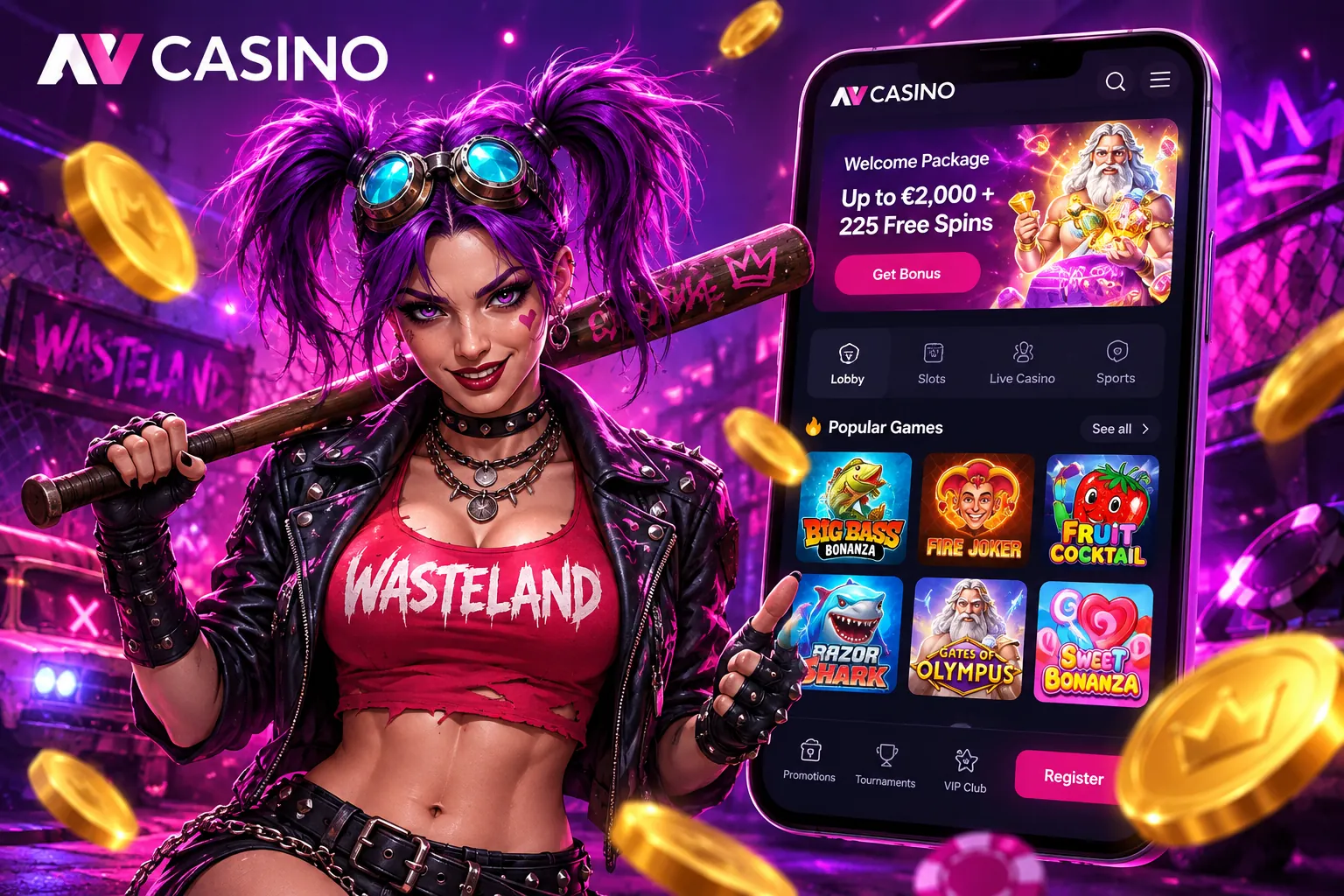
You do not need a laptop to play at NV Casino. The full site runs on any modern phone, there is a home-screen shortcut that feels like an app, and there is a real app for Android and iOS, just not in the usual stores. Here we compare the three options, show how to set each one up and share a few habits that keep mobile play smooth and your account safe.
On this page
Which Mobile Option Suits You?
| Mobile browser | Home-screen shortcut | Installed app | |
|---|---|---|---|
| Setup | None | About 30 seconds | Download from the casino site |
| Storage used | None | None | Some |
| Full screen | No | Yes | Yes |
| Push notifications | No | No | Yes |
| Updates | Automatic | Automatic | Manual |
For most players the shortcut is the sweet spot: it opens full screen with one tap, takes up no space and never needs updating. The installed app is worth it mainly if you want notifications about new promotions or withdrawal status.
Adding the Home-Screen Shortcut
- iPhone and iPad: open the site in Safari, tap the Share icon and choose “Add to Home Screen”.
- Android: open the site in Chrome, tap the three-dot menu and choose “Add to Home screen”.
The new icon launches NV Casino without the address bar, just like a native app.
Installing the Android App
The NV Casino app is not listed in Google Play or the App Store at the moment, so the installation file comes from the casino's own website. The operator says it is working on store listings; until then, the website is the only safe source.
- Open the NV Casino website in Chrome and choose to download the app.
- Allow installs from this source when Android asks.
- Open the downloaded file and confirm the installation.
- Launch the app and sign in with your usual details.
- Switch the “unknown sources” permission off again in your settings.
Never install a casino app file sent to you in a message, on social media or on a forum. Modified versions are a common way to steal login details.
Everything Works on Mobile
The games are built in HTML5, so slots, table games, crash games and live dealer tables all run in the browser and the app alike. You can register, upload your ID with the phone camera, deposit, claim bonuses and request withdrawals without touching a computer. Your account is shared across devices, so a bonus activated on the phone is there on the desktop too. If you have trouble signing in, our sign-in help page lists the usual fixes.
Data, Battery and Connection
- Slots use very little data and run fine on mobile networks.
- Live tables stream HD video, so Wi-Fi gives a steadier picture and saves your data plan.
- Battery drains faster during long live sessions; lowering screen brightness helps.
- Browser updates matter, as current versions of Chrome and Safari run HTML5 games best.
Staying Safe on Your Phone
Lock the phone with a PIN, fingerprint or face recognition, avoid public Wi-Fi when signing in and do not save your casino password on a device other people use. If your phone is lost or stolen, change your password from another device straight away.
FAQ
Is there an NV Casino app?
Yes, for Android and iOS, downloadable from the casino's website. It is not currently in Google Play or the App Store.
Do I need the app to play on my phone?
No. The mobile site and the home-screen shortcut give you the same games, bonuses and account.
Is the Android app safe to install?
Only download it from the official NV Casino website. Android will ask you to allow installs from that source.
Do live dealer games work on mobile?
Yes, in the browser and the app. Wi-Fi is recommended for a stable stream.
Will my bonus carry over between phone and desktop?
Yes. It is one account, so bonuses and balance are shared.
How do I add NV Casino to my iPhone home screen?
In Safari, tap Share and then “Add to Home Screen”.
Last updated: